
Can You Automate Security Control Monitoring on a Budget?
Last Updated: October 25, 2026
Quick Summary
You can automate security control monitoring on a budget by prioritizing your highest-risk controls first, then wiring free and open-source tools into a scheduled pipeline that captures timestamped evidence with no manual effort. Start with one control, such as MFA on privileged accounts, and repeat for the next nine.
- Rate each control 1-5 on risk and evidence frequency, then automate the top ten first.
- Open-source tools cost engineering time instead of licence fees, so you need one engineer to own the pipeline.
- Run daily tests for high-risk controls and weekly for the rest, alerting the owning team on failure.
- Check whether a platform charges per framework, per seat, per integration, or per evidence volume.
- Map one control set to NIST SP 800-53 so evidence collected once serves every framework.
Table of Contents
- What Continuous Control Monitoring Actually Costs You
- Prioritize Critical Controls Before You Automate Anything
- Build a Continuous Control Monitoring Stack With Free and Open-Source Tools
- Step-by-Step: Wiring Automated Compliance Evidence Collection
- Choosing Security Control Monitoring Tools Without Overpaying
- Security Monitoring Best Practices for Small Teams
- Map Your Controls to NIST and Reuse Evidence Across Frameworks
- Request a Demo and See Your Control Foundation in One View
- Frequently Asked Questions
What Continuous Control Monitoring Actually Costs You
Continuous control monitoring is the practice of checking security controls automatically and repeatedly, rather than once a year before an audit. At NorthStar Intelligence Portal, we see the same pattern in nearly every mid-market security team: the tooling is affordable, but the operating model around it is not.
The real cost is not software. It is people.
Manual evidence collection eats analyst hours every month. Screenshots go stale. Someone chases a system owner for a config export that was already captured three weeks earlier by another team. That is the hidden bill, and it grows with every framework you add.
So the question is not "can we afford a monitoring platform." It is "can we afford to keep doing this by hand." For most teams, the answer flips within a year.
The good news: you can build real security control monitoring on a small budget if you sequence it correctly. Below, we show you exactly how.
Prioritize Critical Controls Before You Automate Anything
Automating everything at once is the most common mistake we see. It burns budget and produces dashboards nobody reads.
Start with the controls that would actually hurt if they failed. A useful filter:
- Crown-jewel systems first. Identity, endpoint, cloud accounts, backups.
- Controls auditors always ask about. Access review, logging, change management, encryption.
- Controls that fail silently. These are the ones where automation pays for itself fastest.
A simple scoring approach: rate each control 1-5 on risk and 1-5 on how often it must be evidenced. Multiply the two. Automate the top ten first. Everything else can wait.
Watch out: teams that automate low-risk controls first build impressive dashboards that answer none of the auditor's questions.
Build a Continuous Control Monitoring Stack With Free and Open-Source Tools
You do not need a big platform to start. A workable open-source stack looks like this:
- Configuration checks: an open-source policy engine to test cloud and host settings against a baseline.
- Log aggregation: a free tier of a cloud logging service, or a self-hosted collector.
- Scheduling: cron or a workflow runner to trigger checks on a set cadence.
- Evidence store: a versioned bucket or repository with immutable retention.
- Reporting: a simple dashboard or scheduled export.
The trade-off is honest: open-source tools cost you engineering time instead of licence fees. If you have one engineer who can own the pipeline, this is the cheapest path to real continuous control monitoring. If you do not, a managed platform usually wins on total cost of ownership.
Step-by-Step: Wiring Automated Compliance Evidence Collection
Automated compliance evidence collection means each control test writes a timestamped, tamper-evident record without a human touching it. Here is how we would wire it.
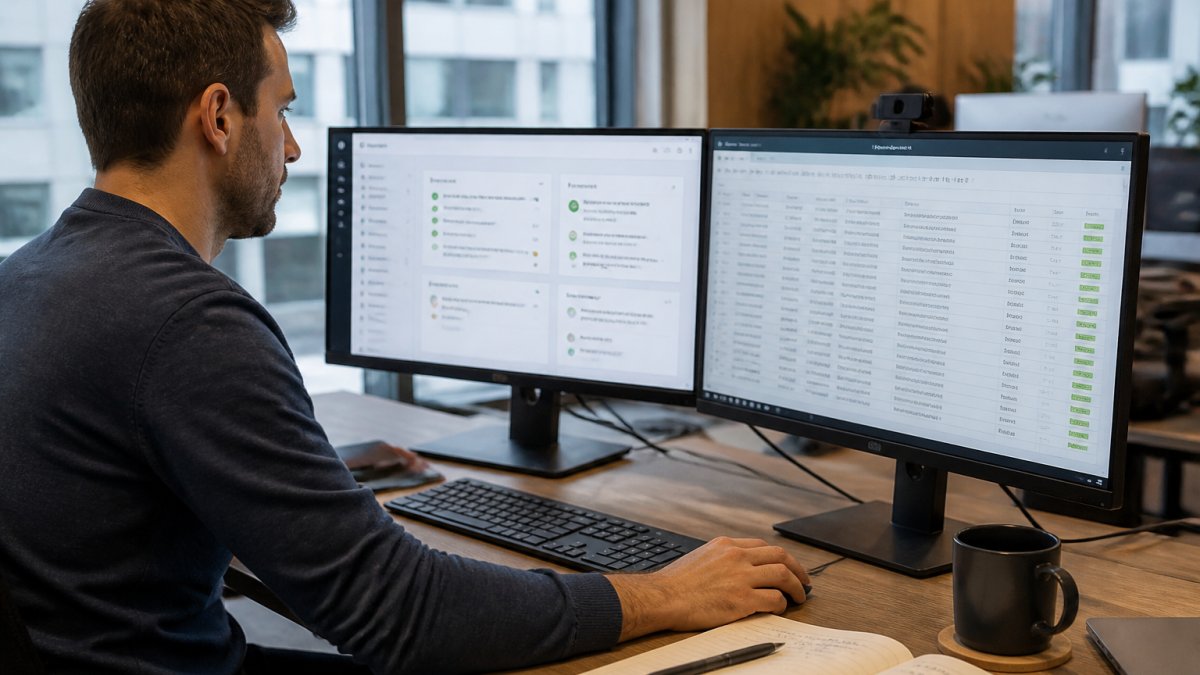
Step 1: Pick one control. Choose a single high-risk check, such as whether MFA is enforced on privileged accounts.
Step 2: Write the test. Query your identity provider or cloud API and return pass or fail.
Step 3: Capture the proof. Save the raw output, the timestamp, and the test version to your evidence store.
Step 4: Schedule it. Run daily for high-risk controls, weekly for the rest.
Step 5: Alert on failure. Route failures to the owning team, not to a shared inbox.
Step 6: Review monthly. Confirm tests still match the control and the framework language.
Expected result: one control producing fresh evidence every day with zero manual effort. Repeat for the next nine.
Here is the six-step sequence for wiring automated evidence collection, with the cadence the article recommends for each.
| Step | What to do | Frequency |
|---|---|---|
| Step 1 | Pick one high-risk control, such as MFA on privileged accounts | Once |
| Step 2 | Write the test against identity provider or cloud API | Once |
| Step 3 | Capture raw output, timestamp, and test version | Every run |
| Step 4 | Schedule the test | Daily for high-risk, weekly for the rest |
| Step 5 | Alert on failure to the owning team | On failure |
| Step 6 | Review tests against control and framework language | Monthly |
Choosing Security Control Monitoring Tools Without Overpaying
Most buying mistakes come from pricing models, not features. Before you compare security control monitoring tools, ask how each one charges: per seat, per framework, per integration, or per evidence volume.
Hidden costs to check for:
- Charges for each additional compliance framework
- Seat minimums that punish small teams
- Integration fees for your cloud provider
- Professional services required to onboard
For a structured way to weigh features, pricing models, and total cost of ownership, see our compliance management software buyer's guide. If you want concrete options side by side, our GRC tools comparison covers the shortlist.
Our rule of thumb: if the quote grows every time you add a framework, the platform is charging you for your own complexity.
Security Monitoring Best Practices for Small Teams
Small teams fail at monitoring for one reason: alert fatigue. A noisy dashboard gets ignored within a month.
What works in practice:
- Tune before you expand. Get one control quiet and reliable first.
- One owner per alert. Shared inboxes are where alerts go to die.
- Tie every alert to a remediation path. No path, no alert.
- Review the failure log monthly. Patterns matter more than single events.
- Keep a baseline snapshot. It makes drift obvious.
A common mistake is treating volume as progress. Fifty failing checks is not a better program than five. It is a louder one.
Map Your Controls to NIST and Reuse Evidence Across Frameworks
The biggest budget lever is reuse. If SOC 2, ISO 27001, and a customer questionnaire each trigger separate evidence requests, you are paying three times for the same proof.
The fix is one control set mapped to many frameworks. NIST SP 800-53 is a practical backbone because so many frameworks trace back to it. Map once, then crosswalk.
Our guide on mapping internal controls to NIST walks through the steps, including baselines and gap analysis. For teams juggling several frameworks at once, the multi-framework mapping walkthrough shows how to collapse them onto one control set.
This is also where a shared control foundation pays off. NorthStar Intelligence Portal maps cybersecurity, privacy, federal, state, and customer-assurance requirements onto a single NIST-aligned catalog, so evidence collected once serves every framework.
Request a Demo and See Your Control Foundation in One View
Budget-first monitoring works. It also has a ceiling: at some point, spreadsheets and scripts stop scaling, and the cost shifts back to analyst hours.
That is the moment to consolidate. NorthStar Intelligence Portal connects requirements, controls, risk, remediation, evidence, and reporting into one operating view. You see what applies, where you stand, and what to do next, without rebuilding reporting from scratch.
If you are ready to see your control foundation in a single view, request a NorthStar Security compliance workspace for your organization.
Frequently Asked Questions
Which security controls should you automate first?
Start with controls that are high-risk, high-frequency, and easy to test automatically. Examples include multi-factor authentication enforcement, endpoint encryption status, patch levels on internet-facing systems, and backup success rates. These produce clean pass/fail data that feeds audit evidence with little manual work. Leave controls that require human judgment, such as policy review or vendor risk interviews, for a later phase. Prioritizing by risk and effort keeps your first automation wins visible to leadership and builds momentum for the rest of the program.
What tools can automate compliance evidence collection on a tight budget?
Open-source options cover most of the groundwork: a configuration scanner to check system settings, a cloud security posture tool for misconfiguration alerts, and a version-controlled repository to store timestamped evidence exports. Pair those with your existing ticketing system so failed checks open tickets automatically. For framework mapping, a governance platform that aligns controls to a shared catalog such as NIST SP 800-53 lets you reuse one evidence set across SOC 2, ISO 27001, and privacy requirements instead of collecting it three times.
How often should security controls be monitored?
Match frequency to how fast a control can fail. Configuration drift in cloud environments can happen within hours, so continuous or daily checks make sense there. Access reviews and patch compliance often run weekly. Policy attestations and vendor assessments can run quarterly or annually. The goal is catching a control failure before an auditor or an attacker does, so set the cadence based on change rate, not on what is convenient to schedule.
How can a small team monitor security controls without buying a large platform?
Run a phased rollout: instrument your highest-risk systems first, export evidence on a schedule, and route failures into the ticketing tool your team already uses. Keep a simple dashboard that shows control status and open remediation items. When the manual stitching between tools starts consuming more hours than your team can spare, that is the signal to consolidate onto a platform with a shared control catalog. Until then, free tooling plus disciplined process covers the basics.
The hard part is not buying tools. It is building a control foundation that stays useful as frameworks pile up. Get that right and compliance becomes the byproduct of a well-run program rather than a separate project. Get started with NorthStar Intelligence Portal and see your posture, your open risk, and your next action in one place.
